Audiodisplayed Meaning: What It Means on Your Phone and in Messages
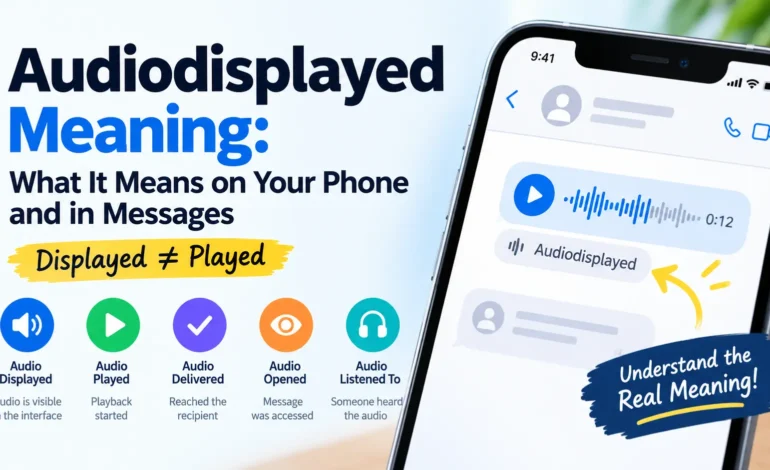
If you have seen the word Audiodisplayed on your phone, in a message, or inside an app, you may wonder what it means. At first glance, it looks like a technical term or an unfamiliar texting abbreviation. However, its meaning depends on where it appears and how the application uses it.
In simple terms, Audiodisplayed generally refers to audio content being shown or rendered within a digital interface. This could involve a voice message, an audio player, a recording, or another type of sound-based media.
However, there is an important distinction to understand: displaying audio does not necessarily mean that someone played it or listened to it. An audio player can appear on a screen without the recording ever starting.
Understanding this difference can help you interpret unfamiliar status labels, avoid misunderstandings in conversations, and determine what an audio-related notification actually tells you.
Quick Answer: What Does Audiodisplayed Mean?
Audiodisplayed means that audio content or an audio-related interface has been displayed or made visible in a digital environment. Its exact technical meaning depends on the application or system where the term appears.
The word has two parts:
- Audio: Sound or recorded sound content, such as a voice note, music, or an audio clip.
- Displayed: Something that has been shown, presented, or made visible on a screen.
Together, the term suggests that audio content or its interface has appeared within an application.
For example, imagine receiving a voice message in a messaging app. The application displays a play button, a waveform, and the recording’s duration. The audio interface is now visible, but the recipient may not have pressed play.
Therefore, Audiodisplayed should not automatically be interpreted as proof that someone listened to your voice message.
What Does Audiodisplayed Actually Refer To?
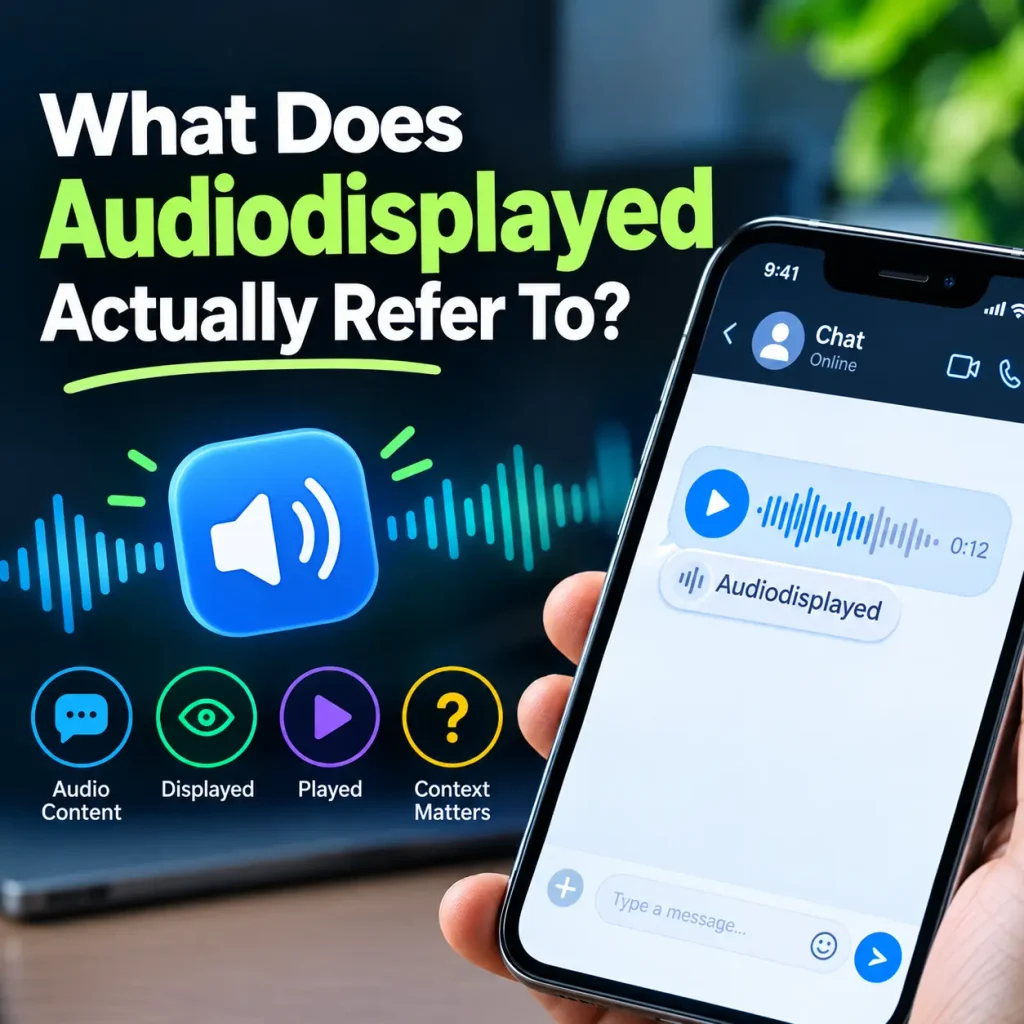
Audiodisplayed is not generally recognized as a standard English expression or a widely established texting abbreviation. Instead, it resembles a technical label that may describe an event involving audio content.
Digital applications perform many actions when processing media. They may receive a file, prepare it for playback, display its controls, and record whether playback begins.
These actions can happen separately, so the wording of a status label matters.
Understanding the Term
The audio part can refer to several types of content, including:
- Voice messages and voice notes
- Music tracks and podcasts
- Recorded conversations
- Audio clips and sound effects
- Uploaded recordings
- Automatically generated audio
The word displayed refers to the presentation of content through a digital interface.
For example, a music application might show a track title, playback button, progress bar, and other controls before the user starts listening. The interface can be visible even when the audio is not playing.
This distinction helps explain why an audio-display event and an audio-playback event should not be treated as identical.
Is Audiodisplayed a Word or Texting Slang?
Audiodisplayed is not a widely recognized texting abbreviation like LOL, IDK, BTW, or BRB.
Those abbreviations have familiar meanings in everyday conversations. Audiodisplayed, by contrast, looks more like a combined technical term, interface label, or software event name.
You might encounter different formats, such as AudioDisplayed, audiodisplayed, Audio displayed, or audioDisplayed. Capitalization and spacing can vary across applications and technical environments.
However, the spelling alone does not establish a precise meaning. The application and surrounding information are more useful clues.
Where Might You See Audiodisplayed?
The location where you encounter the term can help you understand its likely purpose. A label appearing inside a messaging application may have a different explanation from one found in a technical log or an exported transcript.
Messaging and Communication Apps
Messaging applications support voice notes, audio clips, recordings, and other media. When an audio message arrives, the application may display a player that allows the recipient to interact with it.
Several events may occur during this process:
- The audio message is received.
- The application prepares the audio interface.
- The audio player becomes visible.
- The recipient opens or interacts with the message.
- Playback begins if the recipient presses play.
Not every application uses these exact stages or labels. This sequence simply illustrates why displaying an audio player is different from playing the recording.
If Audiodisplayed appears near a voice message, it may relate to the presentation of audio content. However, without knowing the specific application, you cannot confidently determine the exact event it represents.
Phones, Apps, and Digital Interfaces
Technical labels may also appear in phone notifications, media players, browser-based applications, transcription tools, and accessibility features.
Most applications hide their internal processing details from ordinary users. However, unusual labels can sometimes become visible through system messages, testing environments, debugging information, or unexpected interface behavior.
When that happens, a technical description may look like a mysterious word even though it relates to a routine software operation.
Screenshots, Transcripts, and Shared Messages
Another possibility is that the term appears in copied content, a screenshot, an exported conversation, or a transcript.
When information is copied from a digital interface, technical labels may appear alongside the original content. Without the original screen or application, it can be difficult to determine whether the wording was typed by a person or generated automatically.
Checking the original source can help clarify the situation.
Audiodisplayed Meaning in Text Messages
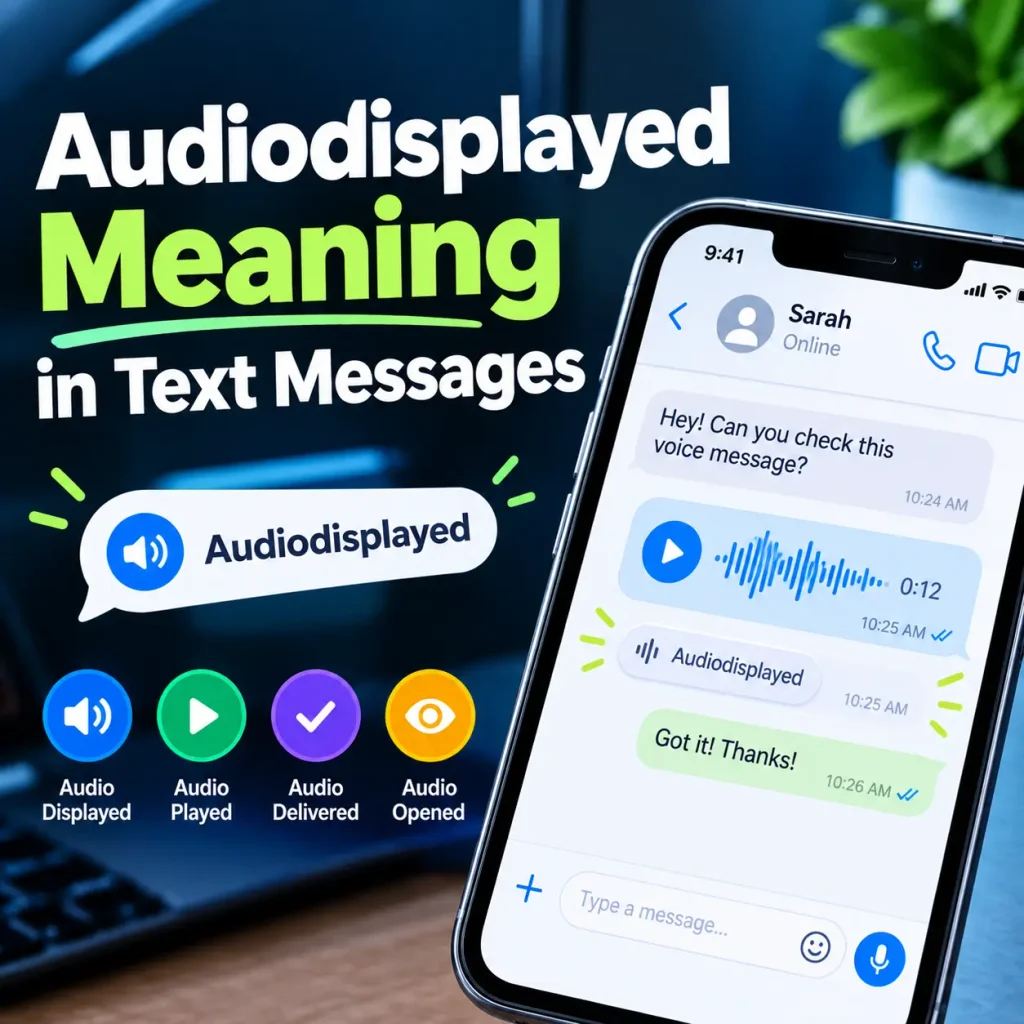
People searching for Audiodisplayed meaning in text messages often want to know whether the term carries a hidden message or indicates that another person has interacted with their audio.
The first thing to determine is whether the word was typed by a person or generated by an application.
If someone manually sends you the word Audiodisplayed, they might be discussing an audio-related event or using technical terminology. In that case, asking the sender what they mean may be the simplest solution.
If the term appears automatically beside a voice message or inside an interface, it may be a system-generated label instead.
Does Audiodisplayed Express an Emotion?
No established emotional meaning is generally associated with Audiodisplayed in everyday texting.
Unlike expressions such as LOL, OMG, or SMH, it does not conventionally communicate a specific emotion or reaction.
The term does not inherently indicate happiness, anger, sarcasm, surprise, romantic interest, or frustration.
Its interpretation depends on the context in which it appears rather than on an accepted emotional meaning.
Why Context Matters
Imagine that you send someone a voice note and later notice an unfamiliar audio-related label.
The label alone cannot tell you whether the recipient intentionally ignored the message, listened to it, or simply opened the conversation.
Similarly, if a friend uses the word during a technical discussion, its meaning may relate to software behavior rather than personal communication.
Always consider the surrounding conversation, the application, and any additional status information before drawing conclusions.
Read also: InstaPV: A Complete Guide to Anonymous Instagram Viewing
Does Audiodisplayed Mean Someone Listened to Your Audio?
No, Audiodisplayed does not automatically mean someone listened to your audio.
The word displayed generally concerns visibility or presentation, while played concerns playback. These are different actions.
Consider a video thumbnail on your phone. You can see the thumbnail without watching the video. In the same way, an audio player can appear on a screen without the recording starting.
Here is how common audio-related status terms differ:
| Status term | General meaning |
|---|---|
| Audio displayed | Audio content or its interface became visible |
| Audio delivered | Audio content reached its intended destination |
| Audio opened | Related content was accessed or opened |
| Audio played | Audio playback started |
| Audio listened to | Someone heard the audio |
| Playback completed | Playback reached a completion point |
These descriptions are general explanations, not guaranteed definitions for every platform. Individual applications may use their own terminology and tracking methods.
Displayed vs. Played
Suppose you send a two-minute voice message to a friend.
Your friend opens the conversation, and the audio player becomes visible. At this stage, the interface may have been displayed, but the recording might not have played.
Your friend then presses the play button. The application may register a separate playback event.
These two actions represent different stages of interaction.
Even a playback indicator does not necessarily prove that the recipient consciously listened to the entire recording. The audio could play while the person is distracted or away from the device.
If you need to know whether someone heard your message, look for a playback or listening indicator that the specific platform documents. Do not rely on the word Audiodisplayed alone.
Audiodisplayed vs. Other Audio Status Terms
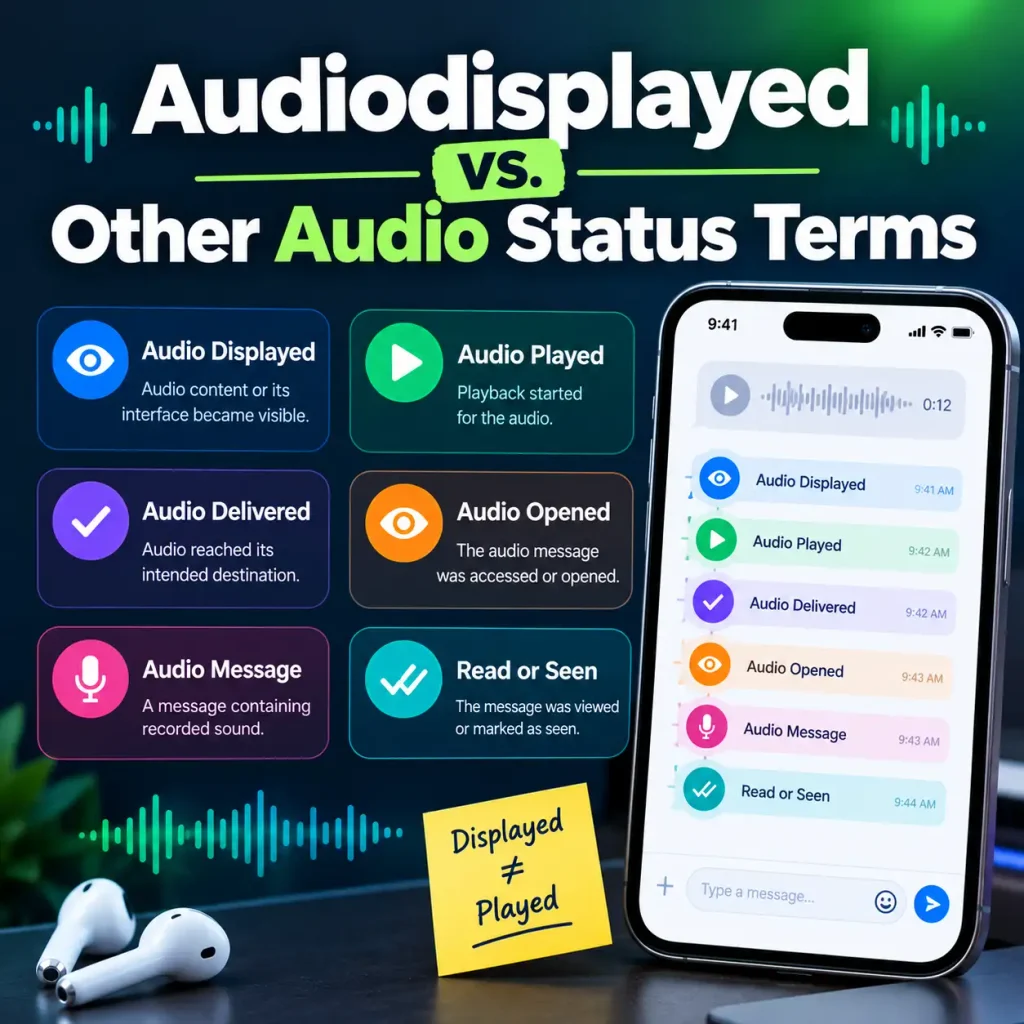
Understanding related terms can make unfamiliar labels easier to interpret.
Audio Displayed
This generally refers to an audio item or its interface becoming visible within an application. It does not necessarily indicate that playback occurred.
Audio Played
This usually refers to the point when an audio file or stream begins playing. It is more directly associated with playback than a display event.
Audio Delivered
Delivery generally concerns whether the content reached its intended destination. It does not automatically confirm that the recipient opened or listened to it.
Audio Message
An audio message is a type of communication containing recorded sound. It describes the content rather than confirming what the recipient did with it.
Read or Seen
Read and seen indicators generally relate to message viewing or interaction. Their behavior varies by platform, and they should not automatically be interpreted as audio playback confirmations.
The key takeaway is that displaying, delivering, opening, playing, and completing audio are not interchangeable actions. Always check how the relevant application defines its status indicators.
Why Does Audiodisplayed Appear?
There is no single verified explanation for every occurrence of Audiodisplayed. Depending on the system, the term may relate to an interface event, media processing, accessibility functionality, or technical information.
Interface Rendering
Applications need to display media controls so users can interact with audio content.
These controls may include a play button, waveform, audio title, duration, progress bar, or playback options.
A software system may track when these elements appear on the screen. However, whether that event is actually labeled Audiodisplayed depends on the application.
Accessibility and Assistive Features
Digital platforms often provide features that make audio content easier to access and understand.
Examples include screen readers, voice controls, transcription tools, captions, and media descriptions.
In these environments, audio-related labels may appear as part of the system’s presentation or processing of content. The exact explanation depends on the tool being used.
Automatic Audio Processing
Applications may process an audio file before presenting it to the user. This can involve identifying the file type, preparing playback controls, loading media information, and displaying the audio interface.
Many of these operations happen automatically in the background.
A visible label may describe one stage of that process rather than a deliberate action taken by another person.
Software Development and Debugging
Developers often use descriptive event names to track what happens inside an application.
A name such as AudioDisplayed has the structure of a software event identifier. Similar labels may appear in debugging tools, testing environments, application logs, or exported technical data.
If you encounter the term in one of these places, the developer’s documentation is the best source for its precise meaning.
Is Audiodisplayed a Secret Code or Hidden Message?
There is no general reason to assume that Audiodisplayed is a secret code or a hidden message.
Unfamiliar technical terminology can look cryptic when separated from its original context. However, a combined word or unusual capitalization does not automatically indicate a special meaning.
For example, developers may use identifiers to describe when a particular interface element appears or when an event occurs. Such names are intended to describe software behavior rather than communicate a secret message.
The same cautious approach applies to Audiodisplayed. First, determine where the label appeared and whether it was generated automatically. Avoid interpreting it as a hidden message without supporting evidence.
Common Misunderstandings About Audiodisplayed
Several misconceptions can arise when people encounter this unfamiliar term.
It Means Someone Listened to My Voice Message
This is the most important misunderstanding to avoid. Displaying an audio player does not necessarily mean that playback started, and playback does not always prove that someone consciously listened to the entire recording.
It Is a New Texting Abbreviation
Audiodisplayed is not a widely established texting abbreviation. If it appears automatically in an application, a technical explanation may be more relevant than a slang interpretation.
It Means Someone Is Ignoring Me
A technical label does not reliably reveal another person’s intentions. It cannot, by itself, establish whether someone deliberately ignored your voice message or chose not to respond.
It Has the Same Meaning in Every App
Different applications may use different event names and status indicators. A term that has a specific meaning in one system may not be used in the same way elsewhere.
For an accurate interpretation, identify the platform and consult its official documentation when available.
How to Find the Exact Meaning of Audiodisplayed
If you encounter Audiodisplayed on your phone or in a conversation, follow these practical steps.
1. Identify the application. Determine whether the term appeared in a messaging app, notification, browser, media player, transcript, or developer tool.
2. Check the exact wording. Compare the label with nearby terms such as AudioDisplayed, audioDisplayed, Audio displayed, and Audio played. Small wording differences may matter.
3. Examine the surrounding information. Look for a play button, waveform, timestamp, voice message, notification, or another status indicator that helps explain the context.
4. Determine whether it was typed or generated. If another person sent the word, ask them what they intended. If the application generated it automatically, investigate the app’s behavior instead.
5. Check official documentation. Search the application’s help center or developer documentation for the exact label. This is the most reliable way to confirm a platform-specific technical meaning.
These steps can help you avoid assumptions and distinguish a software event from an ordinary message.
Read also: Chill Guy Meme: Meaning, Origin, and Why It Went Viral
Frequently Asked Questions
What does Audiodisplayed mean?
Audiodisplayed generally refers to audio content or an audio-related interface being shown within a digital system. Its exact meaning depends on the application.
Is Audiodisplayed a texting slang term?
No. It is not a widely recognized texting abbreviation or slang expression. It more closely resembles a technical label or software event name.
Does Audiodisplayed mean someone listened to my audio?
Not necessarily. An audio player can appear on a screen without playback starting. You need a platform-specific indicator to establish whether playback occurred.
Why does Audiodisplayed appear in a message or app?
The reason depends on the platform. It may relate to an audio interface, media processing, technical event tracking, or another audio-related function.
Can I use Audiodisplayed in everyday texting?
It is generally clearer to use ordinary phrases that describe what actually happened. For example, say “I saw the audio message” if you viewed it or “I listened to the audio” if you heard the recording.
Conclusion
The meaning of Audiodisplayed is best understood through its digital context. In general, it suggests that audio content or an audio-related interface was displayed within an application. However, it does not automatically confirm that someone played or listened to a voice message.
If you encounter the term on your phone, in a messaging app, or inside technical information, check where it appeared and whether the application provides a specific definition. Pay attention to separate indicators for delivery, opening, playback, and completion.
The most important distinction is simple: displayed does not necessarily mean played. Understanding that difference helps you interpret audio-related status labels more accurately and avoid drawing conclusions that the available information does not support.





1 Comment
[…] also: Audiodisplayed Meaning: What It Means on Your Phone and in […]