Xbox Cloud Gaming: Play Your Favorite Games Anywhere Without a Console
Introduction to Xbox Cloud Gaming
Gaming has changed a lot over the past few years. In the past, playing high-quality video games usually required an expensive gaming console or a powerful computer. Players also needed to download large game files, install updates, and make enough storage space before they could start playing. Today, cloud gaming is making the experience much easier.
Xbox Cloud Gaming allows players to stream supported games over the internet without installing them directly on their devices. Instead of running a game on your computer, phone, or tablet, Microsoft’s cloud servers handle the processing and send the gameplay to your screen. This means you can enjoy selected Xbox games on compatible devices without owning an Xbox console.
Whether you enjoy action games, racing adventures, sports titles, or multiplayer experiences, cloud gaming offers a convenient way to access games from different locations. However, you still need a reliable internet connection and a supported device to enjoy a smooth experience.
In this guide, you will learn how Xbox Cloud Gaming works, which devices support it, how to get started, what subscription you need, and whether it is worth trying.
What Is Xbox Cloud Gaming?
Xbox Cloud Gaming is Microsoft’s game streaming service that lets users play supported Xbox games through the internet. Instead of downloading and installing a game, you stream it from Microsoft’s cloud gaming servers.
Think of it as watching a movie on a streaming platform, but with one important difference: you control everything happening on the screen. When you press a button on your controller, your command travels through the internet to the cloud server. The server processes your action and sends the updated gameplay back to your device.
This technology makes gaming more accessible because you do not always need powerful hardware to run demanding games.
Players can use compatible devices such as:
- Windows PCs and laptops
- Supported Android smartphones and tablets
- Supported iPhones and iPads through a web browser
- Selected Samsung Smart TVs and other supported television devices
- Compatible handheld gaming devices
The available games and features depend on your region, subscription, and device compatibility.
How Does Xbox Cloud Gaming Work?
Understanding how Xbox Cloud Gaming works can help you decide whether it is suitable for your gaming needs.
Traditional gaming depends on your device’s hardware. Your console or computer processes the graphics, sound, and other game activities. Cloud gaming works differently because most of the processing happens on remote servers.
Here is how the process works:
- You sign in to your Microsoft or Xbox account.
- You choose a supported game from the available library.
- Microsoft’s cloud servers run the selected game.
- The gameplay is streamed to your device over the internet.
- Your controller or touchscreen sends commands back to the server.
This process happens continuously while you play. Your device mainly receives the video stream and sends your inputs to the server.
A stable internet connection is important because delays between your actions and the game’s response can affect the experience. A faster and more reliable connection generally provides smoother gameplay.
Key Features of Xbox Cloud Gaming
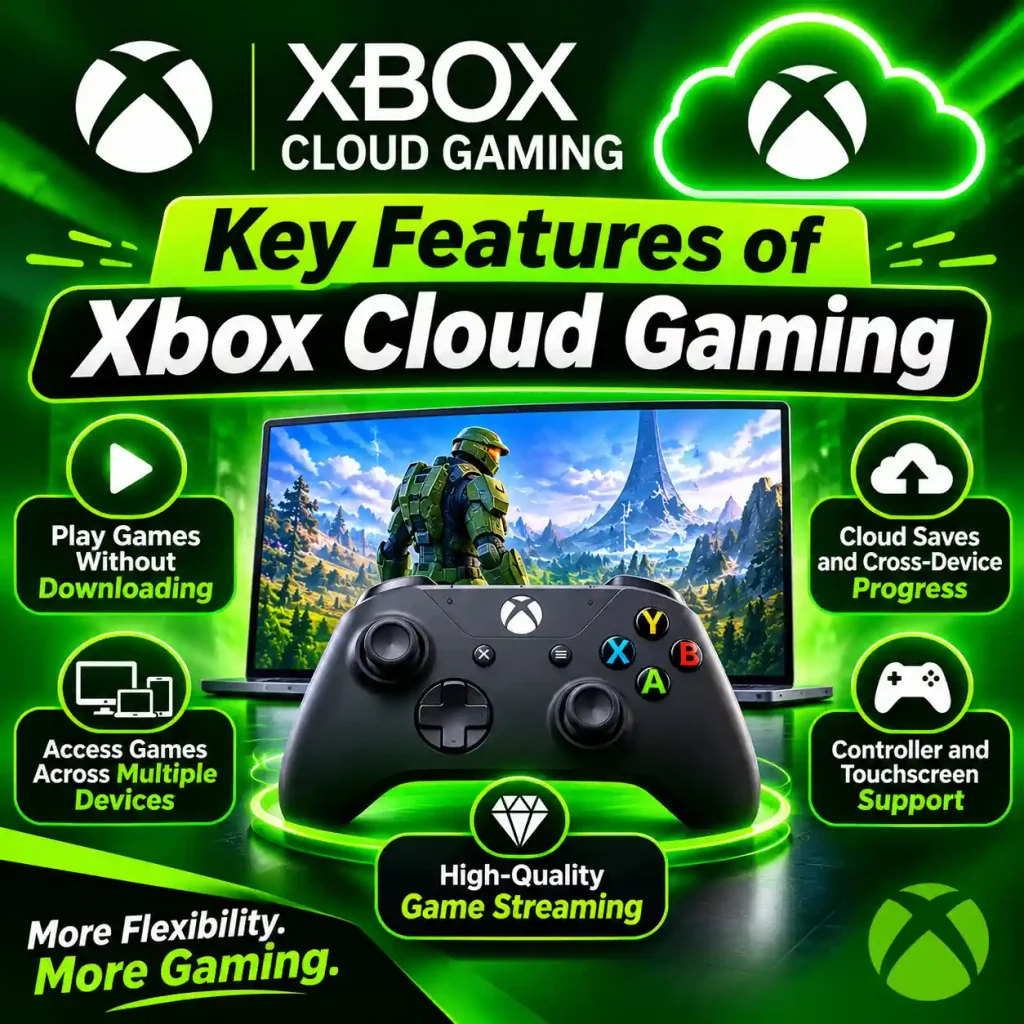
Xbox Cloud Gaming offers several features that make it different from traditional gaming. These features are especially useful for players who want flexibility without purchasing additional gaming hardware.
1. Play Games Without Downloading
One of the biggest advantages is that you do not need to download every supported game before playing. You can select a title and start streaming it directly, which saves time and storage space.
This is particularly helpful for devices with limited internal storage, such as smartphones and basic laptops.
2. Access Games Across Multiple Devices
You can enjoy supported games on different compatible devices. For example, you might start playing on your computer and later use a supported mobile device.
This flexibility makes gaming more convenient when you do not always have access to your main gaming setup.
3. Cloud Saves and Game Progress
Supported games can synchronize your progress through your Xbox account. This allows you to continue playing across compatible devices without starting everything again.
However, cross-device progress depends on the individual game’s support and account settings.
4. Controller and Touchscreen Support
Many games work with compatible Xbox controllers and other supported controllers. Some selected titles also offer touch controls, allowing players to enjoy games directly on their mobile screens.
Controller support usually provides a more familiar experience, especially for racing, sports, and action games.
5. Access to a Large Game Library
Depending on your subscription and region, you can access a selection of supported games through cloud streaming. The library includes different genres, giving players more choices without purchasing every game individually.
Devices That Support Xbox Cloud Gaming
One of the main reasons behind the popularity of Xbox Cloud Gaming is its support for different devices. You do not have to stay in front of a television or gaming monitor to enjoy your favorite titles.
Windows PCs and Laptops
Windows computers provide a convenient way to access cloud gaming. You can visit the official Xbox website using a supported browser, sign in to your account, and choose a cloud-supported game.
You do not need a high-end graphics card because the game runs on Microsoft’s servers rather than relying entirely on your computer’s hardware.
Android Phones and Tablets
Android users can enjoy cloud gaming on supported smartphones and tablets. This option is useful when you want to play during a break, while traveling, or away from your main gaming setup.
You can connect a compatible controller through Bluetooth or USB for better control.
iPhones and iPads
Apple users can also access Xbox Cloud Gaming through supported web browsers. Open the official Xbox Cloud Gaming website, sign in, and select an available title.
Some games also support touchscreen controls, making mobile gaming more convenient.
Smart TVs and Streaming Devices
Selected Samsung, LG, and VIDAA-powered Smart TVs support Xbox gaming through compatible apps. Certain Amazon Fire TV devices are also supported.
This option allows you to play games directly on a television without connecting a traditional Xbox console. However, device compatibility and regional availability should be checked before getting started.
How to Get Started with Xbox Cloud Gaming
Getting started with Xbox Cloud Gaming is relatively simple. You only need a compatible device, a supported internet connection, and access to the service in your region.
Follow these steps:
Step 1: Create a Microsoft Account
Visit Microsoft’s official website and create an account if you do not already have one. If you use Xbox services, you can sign in with your existing account.
Step 2: Check Your Subscription
Most cloud gaming titles require an eligible Xbox Game Pass subscription. Check which plans are available in your country and whether cloud gaming is included.
Step 3: Visit the Official Website
Open Xbox Cloud Gaming using a supported browser. On compatible devices, you may also be able to use the Xbox app.
Step 4: Sign In to Your Account
Enter your Microsoft account details and access the available cloud gaming library.
Step 5: Select a Game
Browse the available titles and choose a game that supports cloud streaming. Check whether it is included with your subscription or requires a separate purchase.
Step 6: Connect Your Controller
Connect a compatible controller through Bluetooth or USB if the selected game requires one. Some supported games also offer touchscreen controls.
Step 7: Start Playing
Launch the game and wait for the stream to load. Once connected, you can start playing without downloading the complete game to your device.
Xbox Cloud Gaming Subscription and Pricing
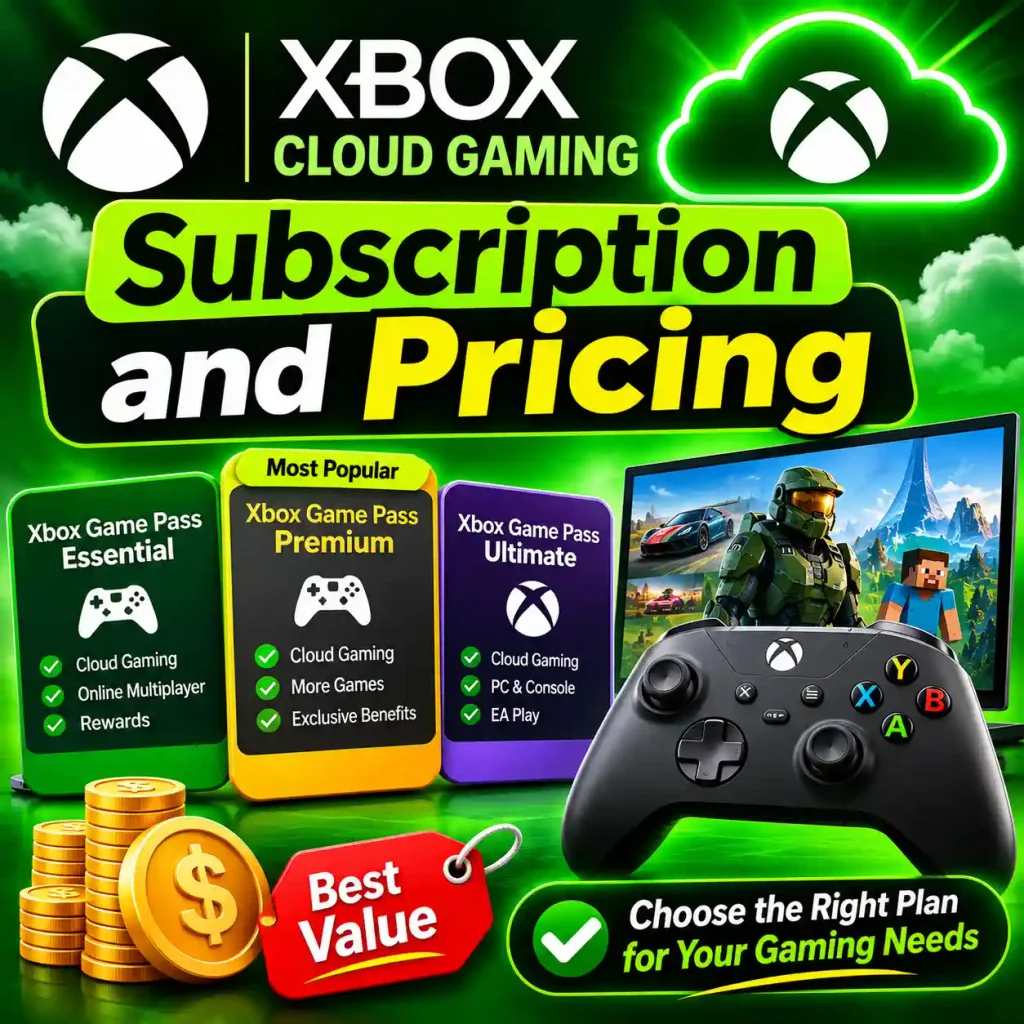
Subscription requirements are an important part of the Xbox Cloud Gaming experience. Microsoft offers different Game Pass plans, and the benefits depend on the selected option.
The main eligible plans include:
- Xbox Game Pass Essential: Provides access to cloud gaming along with a selection of games and other membership benefits.
- Xbox Game Pass Premium: Offers a larger game library and additional gaming benefits.
- Xbox Game Pass Ultimate: Provides the broadest range of Game Pass benefits, including access to a large selection of cloud-supported games.
Subscription prices and features can vary by country. Microsoft has also announced changes to monthly cloud gaming hours beginning in November 2026, so users should check the current terms before subscribing.
Selected free-to-play games may also be available through cloud gaming with a free Microsoft account in supported regions.
Before choosing a plan, consider how frequently you play, which games you want to access, and whether the subscription offers enough value for your needs.
Best Games to Play on Xbox Cloud Gaming
The Xbox cloud gaming library includes different genres, so players can find games that match their interests. However, not every Game Pass title supports cloud streaming.
Some popular games and franchises worth exploring include:
- Forza Horizon: A great choice for players who enjoy racing, driving, and exploring open-world environments.
- Minecraft: Offers creative building, survival challenges, and multiplayer gameplay.
- Sea of Thieves: Provides an adventure experience focused on exploration, teamwork, and pirate activities.
- Halo: A popular franchise for players who enjoy science-fiction action and shooting games.
- Gears of War: Features action-packed gameplay and a strong focus on combat.
- Microsoft Flight Simulator: Suitable for players interested in realistic aircraft and flight experiences.
Game availability changes over time and depends on your subscription, region, and cloud support. Always check the current Xbox cloud gaming library before planning to play a specific title.
Internet Requirements for Xbox Cloud Gaming
A good internet connection is one of the most important requirements for cloud gaming. Since the game is streamed in real time, slow internet can cause buffering, blurry graphics, input delays, and unexpected disconnections.
Microsoft recommends different minimum connection speeds depending on the device. Its current guidance indicates approximately 10 Mbps for mobile devices and 20 Mbps for PCs, tablets, and consoles for better performance.
Here are some practical tips:
- Use a stable 5 GHz Wi-Fi connection whenever possible.
- Connect your computer through an Ethernet cable if available.
- Avoid downloading large files while playing.
- Keep your router close to your gaming device.
- Close unnecessary applications that use internet bandwidth.
- Use a reliable internet service provider.
Remember that download speed is not the only factor. Network latency and connection stability also affect your gaming experience.
Benefits of Xbox Cloud Gaming
Xbox Cloud Gaming offers several advantages for people who want a flexible gaming experience.
No Expensive Gaming Console Required
You can play supported games on compatible devices without purchasing an Xbox console. This can help reduce the initial cost of getting into gaming.
Saves Storage Space
Since games are streamed rather than fully installed, you do not need to reserve large amounts of storage for every title.
Flexible Gaming Experience
You can enjoy supported games on different devices, making it easier to play at home or while traveling.
Easy Access to Different Games
Eligible Game Pass members can explore a selection of games through cloud streaming without purchasing every supported title separately.
No Long Installation Process
You can start streaming supported games without waiting for large downloads or lengthy installations.
Read also: PressVibePulse.com: What It Is, What It Publishes, and Can You Trust It?
Limitations of Xbox Cloud Gaming
Although cloud gaming offers many benefits, it also has some limitations that players should understand before subscribing.
1. Internet Connection Dependency
You cannot enjoy a consistent gaming experience without a reliable internet connection. Connection problems can interrupt gameplay or reduce streaming quality.
2. Input Lag
Sometimes, there can be a small delay between pressing a controller button and seeing the action on the screen. This can be frustrating in competitive games that require quick reactions.
3. Regional Availability
Xbox Cloud Gaming is not available in every country. Some games and features may also differ depending on your location.
4. Subscription Costs
Most cloud-supported games require an eligible subscription. If you already pay for other gaming services, adding another monthly expense may not be ideal.
5. Game Library Restrictions
Not every Xbox game is available for cloud streaming. Some titles may require a console or PC installation instead.
Xbox Cloud Gaming vs. Traditional Console Gaming

Both cloud gaming and traditional console gaming offer different experiences. Your choice depends on your budget, internet connection, and gaming preferences.
| Feature | Xbox Cloud Gaming | Traditional Gaming |
|---|---|---|
| Hardware | Compatible device | Gaming console or PC |
| Installation | Usually not required | Usually required |
| Internet | Required for streaming | Depends on the game |
| Storage | Less local storage needed | More storage needed |
| Portability | Play across supported devices | Depends on hardware |
| Performance | Depends on streaming quality | Depends on hardware |
Cloud gaming is a convenient option for people who do not want to invest in expensive gaming hardware. Traditional gaming may be better for players who prefer local performance, offline access, and greater control over graphics settings.
Neither option is perfect for everyone. Your decision should depend on how and where you prefer to play.
Common Xbox Cloud Gaming Problems and Solutions
Sometimes, users experience technical issues while streaming games. Most common problems can be addressed with a few simple troubleshooting steps.
Games Not Loading: Check your internet connection, refresh the browser, and sign in to your Xbox account again.
Slow Streaming: Switch to a more stable Wi-Fi connection or use Ethernet. Close applications that consume unnecessary bandwidth.
Controller Not Connecting: Check Bluetooth settings, reconnect your controller, and make sure its battery is charged.
Connection Drops: Restart your router and move closer to the Wi-Fi source. If the issue continues, check whether your internet service is experiencing interruptions.
Unsupported Device Error: Make sure your device, browser, and operating system meet Microsoft’s current compatibility requirements.
If these solutions do not work, visit the official Xbox support website for additional help.
Is Xbox Cloud Gaming Worth Trying?
Xbox Cloud Gaming is worth considering if you want to enjoy supported games without purchasing an expensive console or gaming computer. It provides flexibility, saves storage space, and allows you to play across several compatible devices.
It can be especially useful for casual gamers, travelers, and people who prefer playing on smartphones, tablets, or laptops.
However, competitive gamers who need extremely responsive controls may prefer traditional gaming hardware. Similarly, players with slow or unstable internet connections may not get the experience they expect.
Before subscribing, check the available games, supported devices, regional availability, and current membership benefits.
Read also: FintechZoom: Global Finance News, Markets, Crypto & Investment Insights
Frequently Asked Questions (FAQs)
1. Is Xbox Cloud Gaming Free?
Most cloud gaming titles require an eligible Xbox Game Pass subscription. However, selected free-to-play games can be streamed using a free Microsoft account in supported regions.
2. Can I Play Xbox Cloud Gaming Without a Console?
Yes. You can play supported games on compatible PCs, laptops, smartphones, tablets, and selected Smart TVs without owning an Xbox console.
3. Does Xbox Cloud Gaming Work on Mobile?
Yes. Supported Android and Apple devices can access cloud gaming through compatible browsers. Some devices also offer additional app-based options.
4. What Internet Speed Do I Need for Xbox Cloud Gaming?
Microsoft recommends around 10 Mbps for mobile devices and 20 Mbps for PCs, tablets, and consoles. A stable connection is equally important for smooth gameplay.
5. Can I Use Xbox Cloud Gaming on a Smart TV?
Yes. Selected Samsung, LG, and VIDAA-powered Smart TVs and compatible Amazon Fire TV devices support Xbox cloud gaming.
6. Do I Need an Xbox Controller?
Most games require a compatible controller, but selected titles support touchscreen controls. Some games also support other input methods.
7. Can I Play Xbox Cloud Gaming on a PC?
Yes. You can visit the official Xbox Cloud Gaming website through a supported browser and stream compatible games on your PC.
8. Does Xbox Cloud Gaming Support Multiplayer?
Yes. Supported multiplayer games allow you to play with other players online. However, multiplayer features depend on the individual game and its requirements.
Conclusion
Xbox Cloud Gaming is changing how people access and enjoy video games. By using Microsoft’s cloud technology, players can stream supported games on compatible devices without needing an expensive gaming console or downloading large game files.
Its biggest advantages include flexibility, reduced storage requirements, and access to a wide selection of games. However, a stable internet connection, supported device, and eligible subscription are important for enjoying the service.
If you want a convenient way to enjoy Xbox games on your existing devices, Xbox Cloud Gaming is worth exploring. Check the available games and subscription options, choose a compatible device, and discover a more flexible way to play.